
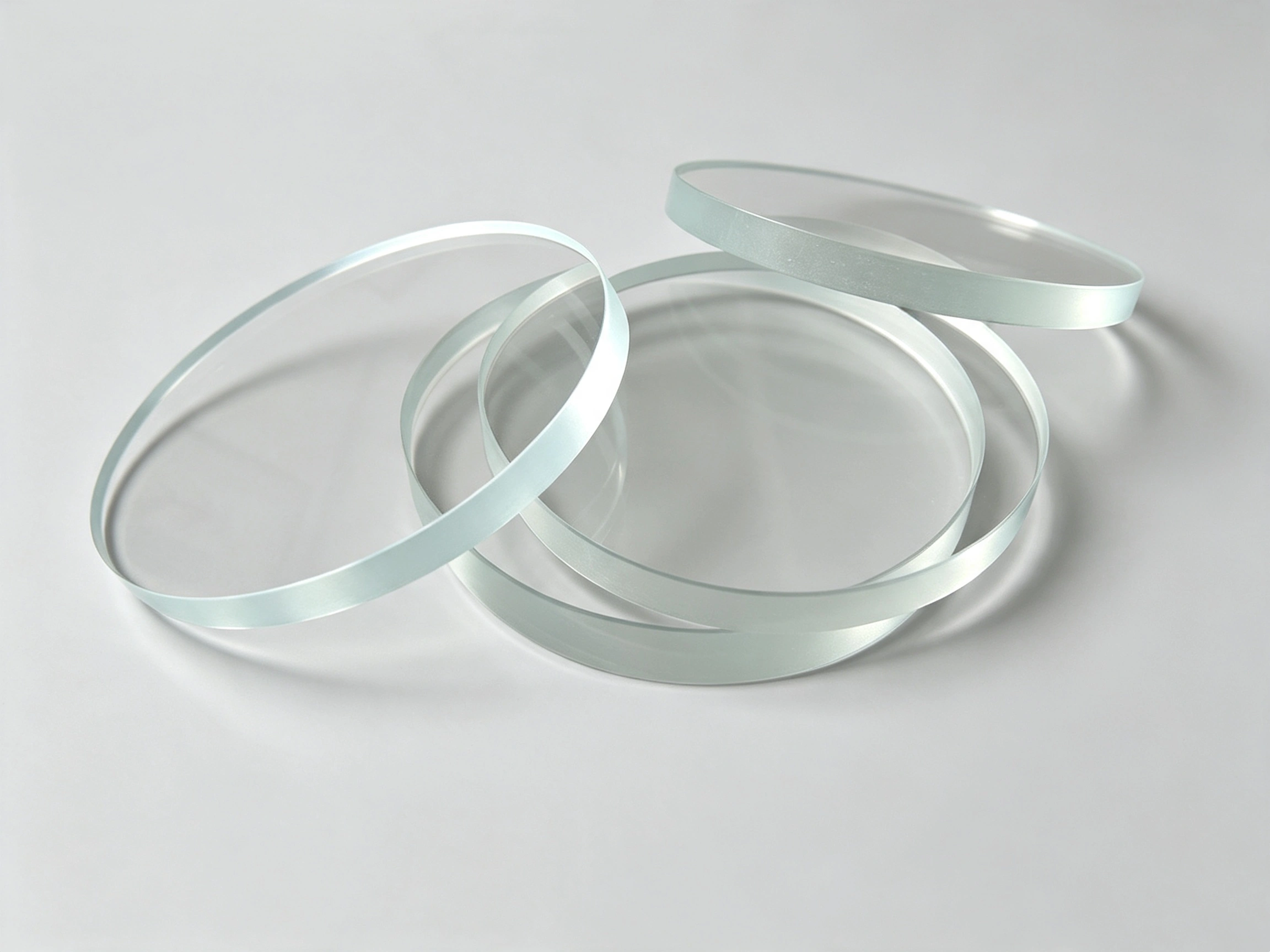
A borosilicate sight glass drawing gives the buyer and supplier one reference for the glass, the mounting arrangement and the service conditions. Use the five checks below when requesting a DIN 7080 disc or a custom viewing window for a vessel, tank or pipeline.
In this guide
1. Identify the borosilicate sight glass and drawing revision
Start with the equipment model, original part number and latest drawing revision. If the requirement is a standard round disc, include the matching KUNYO catalog code where available. For a custom window, attach the marked drawing with the drawing number and revision visible. Keep the drawing units on the same sheet as the dimensions.
KUNYO lists its standard circular disc in borosilicate glass 3.3 with ground and polished faces. Ask the supplier to state the proposed material, finish and applicable standard on the quotation. The SCHOTT borosilicate 3.3 data sheet provides material background for the review.
2. Show the outside diameter, thickness and clear opening
Dimension the outside diameter and finished thickness on the borosilicate sight glass drawing. Show the clear opening in the mounting drawing as a separate dimension. The outside diameter defines the space needed for the glass, while the clear opening identifies the area exposed in the completed fitting.
For example, the KUNYO catalog lists SD23 at 80 × 12 mm and SD24 at 80 × 15 mm. Both share the same outside diameter. Record the required thickness with the part code so the inquiry captures the correct glass and fitting dimensions.
| KUNYO code | Outside diameter | Thickness |
|---|---|---|
| SD23 | 80 mm | 12 mm |
| SD24 | 80 mm | 15 mm |

3. Mark holes, grooves and finished edges
For a custom borosilicate sight glass, use a face view to locate holes and a section view to show steps, grooves and thickness transitions. Label the surfaces that contact gaskets or form the viewing area. For each custom feature, provide the applicable dimension, tolerance and reference edge or centerline.
The product page lists custom holes, steps, grooves and edge processing for review against drawings or samples. Ask the supplier to state whether the proposed part is a standard catalog item or made to drawing, and identify any dimensional changes on the approval drawing.
4. Attach mounting and service details
Send the fitting drawing or a section through the installed borosilicate sight glass. Show how the disc is supported and identify the gasket and retaining components. Add the process medium, working pressure and operating temperature. If the application has pressure or temperature cycles, identify those conditions separately in the request.
Catalog pressure values apply to specified sizes and arrangements. The permitted service conditions depend on the glass dimensions, clear opening, temperature, gasket and complete fitting. Ask the equipment manufacturer or responsible engineer to confirm the assembly requirements before approving a replacement.
5. Release the same drawing for samples and production
Request a quote against a named drawing revision. If a sample is needed, ask the supplier to identify it by the same part number and revision. Agree on the dimensions and finish to review, then retain the approved drawing and sample reference with the purchase order.
For a borosilicate sight glass reorder, include the earlier purchase reference and list any changes to thickness, aperture, finish or gasket. Request separate lines for glass and any seals so the quotation clearly records what will arrive. Include the number of pieces, destination and any inspection or packaging requirements.
Product references: KUNYO Borosilicate Sight Glass specifications and KUNYO ordering FAQ. Related reference: SCHOTT DURAN glass information.
Request a quote. Send the drawing or equipment reference, dimensions, operating conditions, quantity and destination to sales@kunyoindustrial.com or use the KUNYO inquiry form.